
Shopify agentic storefronts: your store is already opted in
Agentic storefronts are on by default for eligible Shopify stores, and Shopify manages the channels for you unless you say otherwise. Here is what that means, what silently excludes your products, and the checklist to run this week.
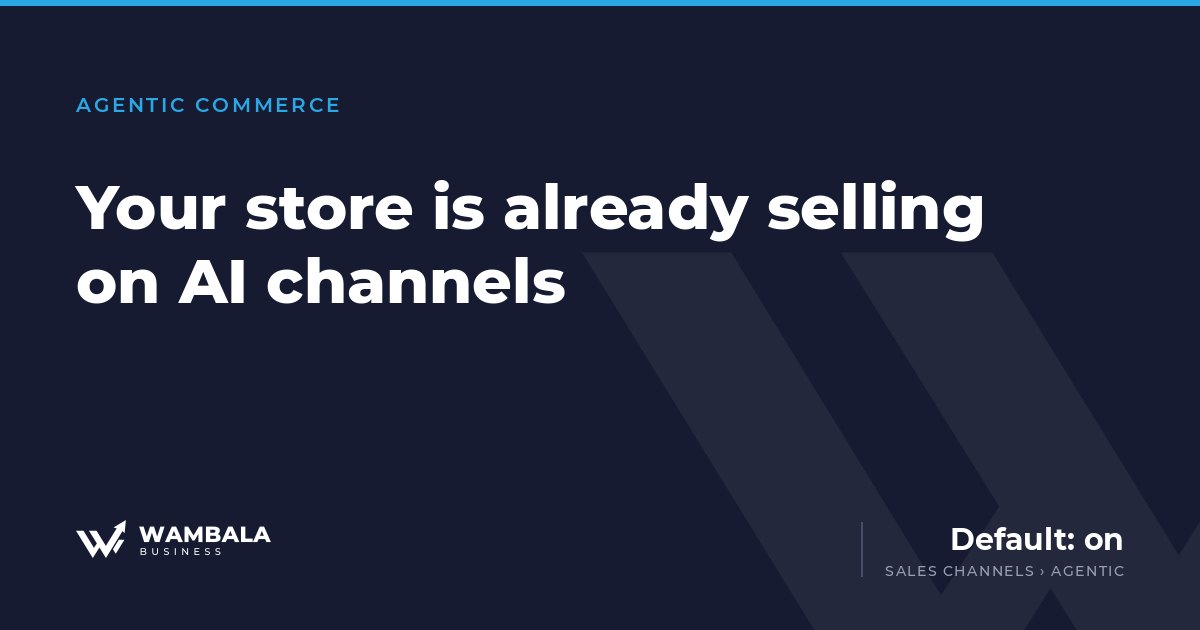
Open your Shopify admin and go to Sales channels › Agentic. Most merchants we talk to have never opened that screen. Almost all of them are already selling through it.
Shopify’s own documentation is blunt about this: agentic storefronts are “active by default for eligible stores”, and the setting Allow Shopify to manage for me is on, which enrolls your store across the AI channels automatically. You did not opt in. You were opted in.
That is not a scandal — it is a reasonable default, and for most stores it is the right one. But a default you never inspected is not a strategy, and this one now decides how your products are described to buyers who will never see your theme, your photography, or your homepage.
What actually happened, with dates
Two announcements, four months apart, changed where e-commerce demand gets decided.
September 29, 2025. Stripe and OpenAI published the Agentic Commerce Protocol (ACP), an open standard they describe as “a shared language between businesses and AI agents,” alongside Instant Checkout in ChatGPT. It launched with US Etsy sellers, with over a million Shopify merchants — Glossier, Vuori, Spanx, SKIMS among them — named as next. The merchant keeps control: accept or decline the order, charge the payment method, calculate and remit sales tax, handle fulfillment and returns.
January 11, 2026. Shopify and Google announced the Universal Commerce Protocol (UCP), “an open standard for AI agents to connect and transact with any merchant,” endorsed by more than twenty retailers and platforms and built on REST, MCP, AP2 and A2A. Google brought native shopping into AI Mode and the Gemini app, Microsoft updated Copilot with an embedded checkout, and Shopify put the whole thing behind one screen in the admin called Agentic Storefronts.
The strategic read is simple. For fifteen years, the thing you optimized was a page a human would look at. Now a second audience reads your catalog — one that never renders your CSS.
Your product data is the storefront now
Here is the part that reorders your priorities.
Products reach these channels through Shopify Catalog, and they are syndicated with “title, description, options, images, price, availability, and other key attributes.” That list is the whole surface. An agent comparing your product against three others is comparing those fields. It is not looking at your hero video, your brand story, or the review widget you paid for.
So the vague title you have been tolerating — “The Everyday One — Black” — is not a stylistic choice anymore. It is a field that fails to answer what the product is, what it is made of, and who it fits. The competitor whose title says what the thing actually is wins that comparison without ever outranking you anywhere.
This is the same lesson as measurement, in a new costume. We do not run paid traffic to stores that are not built properly, because the ads are not the broken part. Same here: no amount of AI-channel enthusiasm fixes a catalog that does not describe its own products.
What silently removes your products
Several conditions take a product out of AI channels without any warning, and merchants routinely trip over them without connecting cause and effect.
- Products with Unlisted status are hidden from AI discovery.
- B2B-only products are automatically excluded when Shopify can identify them.
- Anything in a B2B catalog, behind customer authentication, or on a password-protected storefront is excluded.
If you run a hybrid wholesale-and-retail store, read that list twice. The catalog structure you built for pricing reasons may be quietly deciding which half of your business is visible to AI buyers.
The channel connection you already have
One detail worth flagging for anyone already running paid social, because it collapses two projects into one.
Products reach these surfaces either through Shopify Catalog or through sales channels you already run: the Google & YouTube channel feeds Google AI Mode and Gemini, and the Facebook and Instagram by Meta channel feeds Meta. The product feed you set up for Advantage+ campaigns is now also the shelf an assistant reads from.
Which means a neglected feed is no longer just a paid-media problem — it is a discovery problem in two places at once. If you have been meaning to clean up product titles, fix missing variants, or resolve those feed warnings you have been dismissing for months, the return on that work just doubled. That is the same feed our Meta Ads work depends on, and it is now doing a second job.
Checkout and attribution: what to expect
Two practical things, so you are not surprised by your own reports.
Checkout is not uniform across channels. In ChatGPT, customers complete the purchase on your own store’s checkout, opened in an in-app browser or a new tab. On other channels, if you have direct checkout activated, they can complete it inside the channel through Shopify-powered direct checkout. Those are different experiences with different drop-off points, and averaging them into one number will hide whichever one is broken.
Orders carry attribution. They appear in your admin with channel or referrer attribution, so you can tell where an order originated. Shopify’s analytics show orders, sessions and conversion rates per channel — and it notes that sales data aggregates referral-based sales together with direct-checkout sales. Know that before you compare the number to anything.
The checklist for this week
None of this requires a project. It requires forty minutes.
- Open Sales channels › Agentic. See what is on. You will need the Products > View and App and sales channel > Agentic permissions.
- Decide whether Shopify manages it for you. Leaving it on is defensible. Leaving it on without knowing it was on is not.
- Read the Agentic Storefronts Supplemental Terms of Service. You are required to agree to them, which means you are already bound by them.
- Audit ten product titles and descriptions as if you were a stranger. Does the title say what the product is? Does the description answer material, size, fit, use? If not, that is your first sprint.
- Check your exclusions. Anything Unlisted, B2B-only, gated behind login, or in a password-protected storefront is invisible. Confirm that is what you intended.
- Verify the Google & YouTube and Meta channels are connected and healthy, because they are now feeding more than ads.
- Look at channel attribution in your reports before you form an opinion about whether any of this works for you.
What nobody can promise you
We will be honest about the limit of this, since a fair amount of what is being sold right now is not.
No one can guarantee an AI agent recommends your product. There is no bid. There is no placement to buy. None of these platforms publishes the ranking logic, and the ones that describe it do so in generalities. Anyone selling you guaranteed AI-channel placement is describing something that does not exist yet.
What you can control is whether you are eligible, whether your data is complete and accurate, and whether the purchase completes when an agent sends a buyer your way. That is unglamorous and entirely within reach — and it is the part that was always going to matter, protocol or no protocol.
If you want the longer argument about how models decide which brands to name, we wrote that one after discovering our own agency was invisible: why your brand is invisible to ChatGPT.
Where this leaves you
The default is on. The channels are live. The thing being read is your product data, not your design.
We build Shopify stores and run Meta and Google Ads as one system, for exactly this reason: the catalog, the measurement and the paid traffic were never separate problems, and agentic commerce just made that harder to ignore.
If you want a straight answer about what is holding your catalog back, the first round of our technical audit is free. If you would rather see what proper looks like from the start, here is how we build Shopify stores, how we work on AI visibility, and what it costs.
Sources: Shopify — AI commerce at scale · Shopify Help Center — Managing agentic storefronts · Shopify Help Center — Requirements and considerations · Shopify Help Center — Shopify Catalog and product discovery · Stripe — Instant Checkout and the Agentic Commerce Protocol
Forty-eight hours, everything public about your brand, zero sales deck.
Leave your email and we will send you the report. We tell you what we find, whether or not it leads to hiring us.
The signup form needs marketing cookies, which you have not accepted yet. You can enable them from the cookie notice, or simply write to us: